

Learning Hub
The course catalog, working through a course, and who can see it.
Learning Hub is BriefCatch’s course catalog on legal writing, taught by Ross Guberman — founder of BriefCatch and the author of Point Made, Point Taken, and Deal Struck. Work through modules at your own pace; the Hub tracks your progress as you go.
Who can see it
Which courses are open to you, and whether you see the full library or a preview, depends on your plan — Enterprise includes the full course library, where other tiers include preview modules. See Plans and licenses.
For an organization member, Learning Hub access is something your organization admin buys for the team. Without it there is nothing purchased to open, so the Hub is not in your sidebar at all — ask your admin rather than looking for a setting.
The course catalog
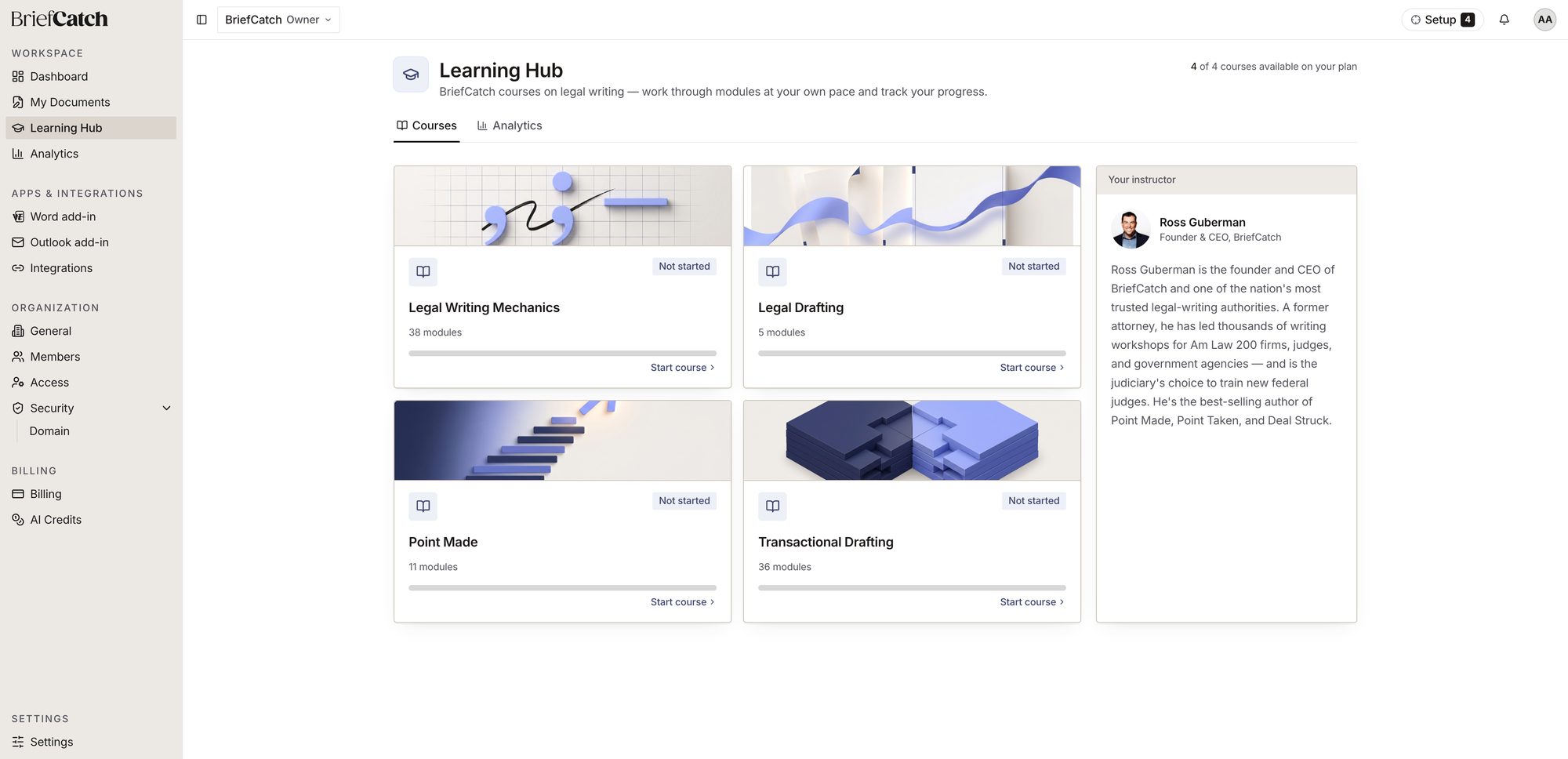
Each course card shows its module count, your progress bar, and Not started, In progress, or Completed. Start course (or Continue once you have begun) opens it.
Working through a course
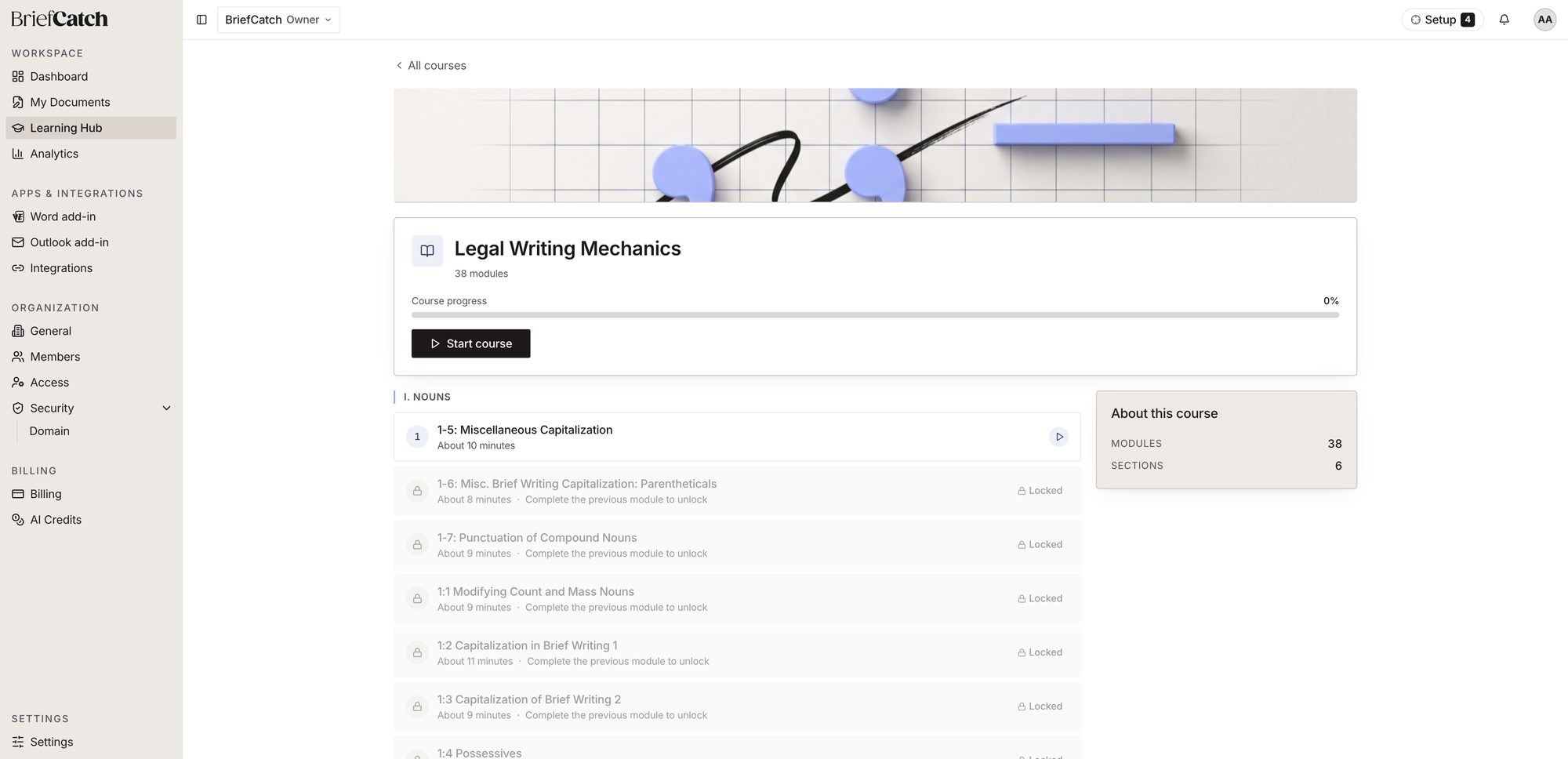
A course is a numbered sequence of modules, grouped into sections. Modules unlock in order — finish one to open the next, which is why most of the list shows Locked until you work through it from the top.
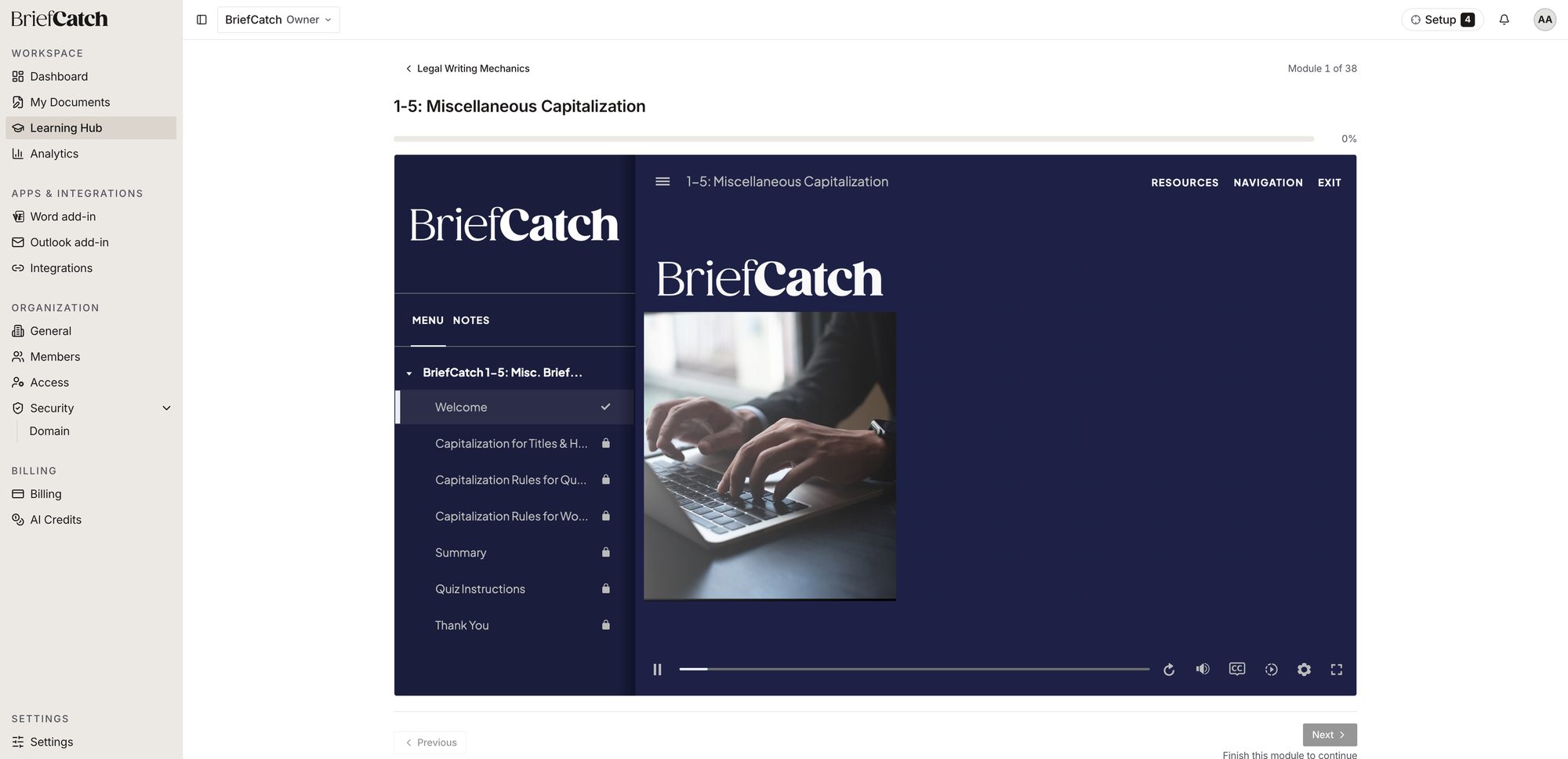
Selecting a module opens its player. Use Menu to jump between modules you have already unlocked, or Notes to see any notes attached to the module. Next is disabled until you finish the current one.
Tracking progress
Learning Hub carries its own Analytics tab, separate from the platform-wide Analytics page — it reports on course completion rather than document or credit activity, and who can see organization-wide course completion follows the same admin-only boundary as Team analytics.
Related
- Analytics — usage and credit activity, not course progress
- Plans and licenses — which tier includes the full course library
- Roles and permissions — why a control might be missing