

Write it once. Catch everything.
BriefCatch reads a brief the way a demanding editor would. This site explains how to drive it.
BriefCatch flags the sentence that buries its verb, the citation that is formatted wrong, and the authority that does not say what the sentence claims it says. Upload a brief, work the suggestions, and check the citations that carry the argument.
Start here
Get started
Sign in, run your first review, and connect the optional pieces.
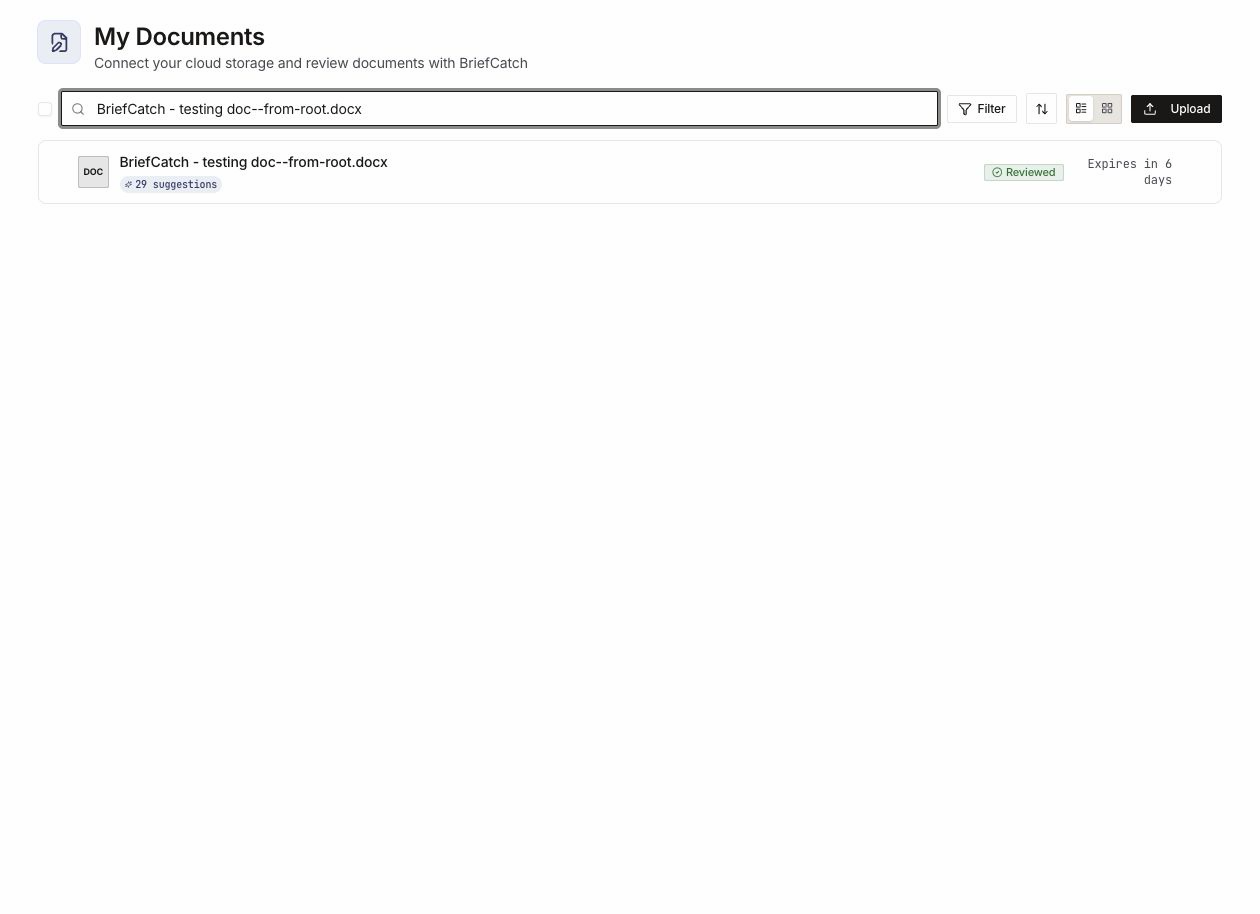
My Documents
Upload, connect a drive, and find a brief you already reviewed.
Review a document
What happens between upload and results, and how the editor is laid out.
Work with suggestions
Five tabs, the category taxonomy, and why ignoring is not rejecting.
Use RealityCheck
Check whether a cited authority supports the proposition it is cited for.
Plans and licenses
Individual, Pro, and Enterprise — and what a lapsed license still lets you do.
Three ways in, one engine
What you see depends on where you started. The account, the suggestions, and the review history are the same underneath.
Web editor
Upload in the browser and review in a full editor, suggestions alongside the document.
Word add-in
Review inside Microsoft Word, against the same engine and the same account.
API
A small, explicitly allowlisted reference for approved integrations.
Administer an account
Teams and organizations
Roles, invitations, and what an owner can do that a member cannot.
Settings
Profile, sign-in, email preferences, and organization policy.
Billing and credits
What spends a credit, plan changes, invoices, and top-ups.
Build against it
System overview
How the pieces fit: accounts, documents, review, and reporting.
Authentication
How an approved integration authenticates and stays authorized.
Something not behaving? Start at Troubleshooting.